

This post demonstrates every markdown element supported in our blog. Use it as a reference when writing new posts.
Headings
The title of your post is an h1 and is set automatically from the frontmatter. Use h2 for main sections, h3 for subsections, and h4 for further detail.
This is an h3 subheading
Use these to break up longer sections into scannable parts.
This is an h4 subheading
Use sparingly — most posts won’t need this level of nesting.
Text formatting
Regular paragraph text looks like this. You can use bold text to emphasise key points and italic text for softer emphasis. You can also combine them for bold italic when needed.
Here is a second paragraph to show spacing between blocks. Good writing uses short paragraphs to keep the reader engaged, especially on screens.
Links
Inline links look like this: mosa.cloud is a sovereign workspace for European teams. You can also link to external resources when referencing concepts.
Blockquotes
Digital sovereignty is not about isolation — it’s about having meaningful control over your digital infrastructure, data, and tools.
Blockquotes work well for highlighting key takeaways or quoting external sources.
This is a multi-paragraph blockquote.
The second paragraph continues the quoted text with additional context or detail.
Unordered lists
Key benefits of open source productivity tools:
- Full transparency — you can inspect every line of code
- No vendor lock-in — your data stays portable
- Community-driven development and security auditing
- Freedom to self-host or use a managed service
Lists can also be nested:
- Identity management
- Single sign-on across all apps
- External collaboration support
- MFA and audit trails
- File storage
- End-to-end encryption
- Browser-based editing
Ordered lists
Steps to migrate to a sovereign workspace:
- Audit your current tools and data flows
- Identify dependencies on non-sovereign providers
- Evaluate open source alternatives
- Plan a phased migration timeline
- Execute migration with minimal disruption
Ordered lists also support nesting:
- Prepare your environment
- Set up DNS records
- Configure your identity provider
- Invite your first users
- Migrate your data
- Export files from existing provider
- Import into mosa.cloud Drive
- Roll out to your team
Images
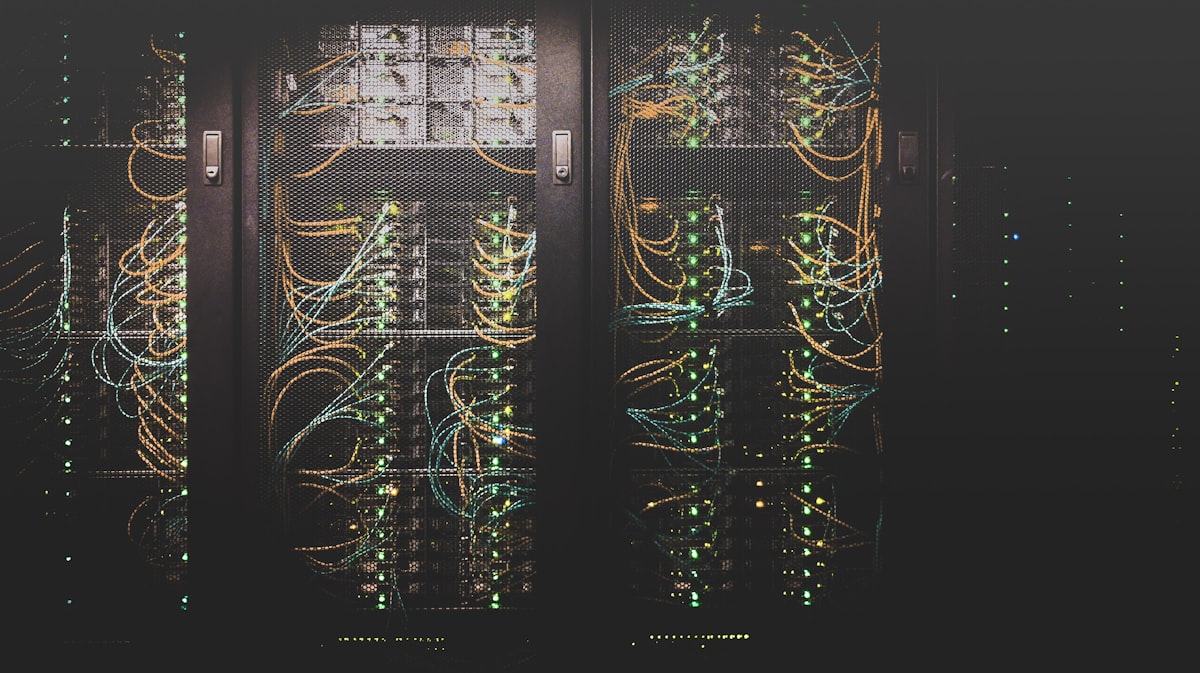
Images in markdown are rendered responsively with rounded corners:
Horizontal rules
Use horizontal rules to separate distinct sections of a post.
The content continues after the separator.
Inline code
You can reference technical concepts with inline code, like SAML, OIDC, or environment variables like DATABASE_URL.
Code blocks
For longer code examples, use fenced code blocks:
# Example docker-compose.yaml
services:
  app:
    image: mosacloud/website
    ports:
      - "3000:3000"
    environment:
      DATABASE_URL: postgresql://localhost:5432/mosa
// Example API call
const response = await fetch('/api/sign-up', {
method: 'POST',
body: JSON.stringify({ email, organisationName }),
});Combining elements
In practice, you will mix these elements. For example, a section might include a paragraph, a list, and a blockquote:
The European Commission has identified three pillars of digital sovereignty:
- Data governance — control over how data is collected, stored, and processed
- Technology autonomy — reducing dependence on non-European tech providers
- Regulatory frameworks — clear rules that protect citizens and organisations
The goal is not to build walls, but to ensure that Europe has genuine choices in its digital future.
This is what we are building towards at mosa.cloud.